Community Tools
A collection of quality-of-life features for managing your Discord community — private voice channels for team sessions, self-assignable reaction roles, birthday celebrations, and age verification.
Private Voice Channels
Any member can spin up a temporary private voice channel for their squad in seconds. The channel is invisible to everyone except the creator and the teammates they select — and it deletes itself automatically once everyone leaves.
Creating a Private VC
After running the command, a teammate picker appears. Select the members you want to invite, then click Create VC. The bot creates a voice channel that only you and your selected teammates can see and join.
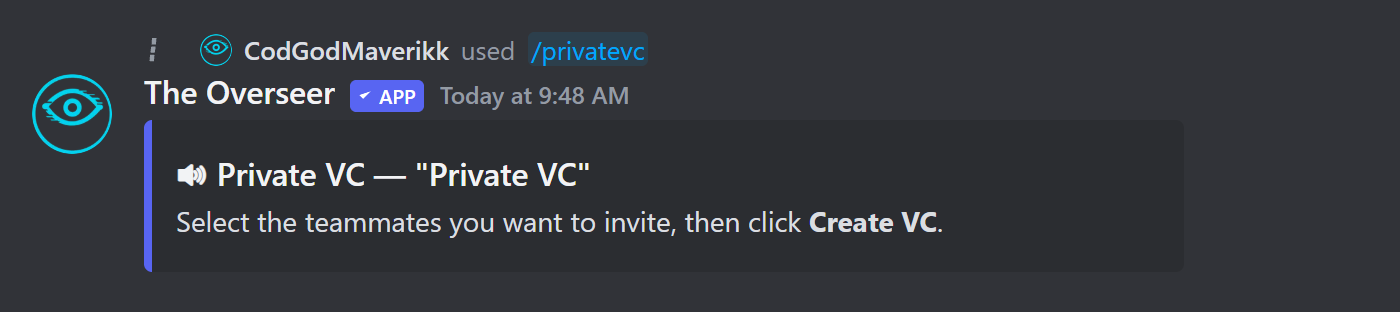
- Channel name defaults to Private VC if no name is given (max 100 characters)
- Only the creator and selected teammates can see or join the channel
- The channel is placed in the same category as your configured
game_creationchannel, if set - The channel deletes itself automatically when the last person leaves
game_creation channel in /setup channels to control which category private VCs land in. Without it, the channel is created at the server root.Reaction Roles
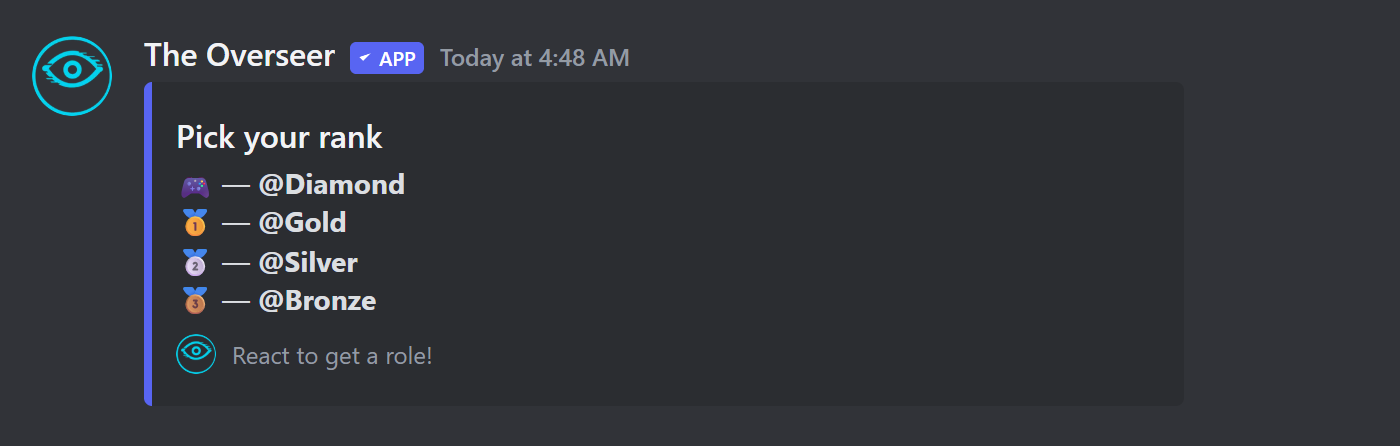
Create embed panels where members click emoji reactions to self-assign Discord roles — no moderator action required.
Setting Up a Panel
Once mappings are added, post the panel embed in any channel. Members click a reaction to receive the role — clicking again removes it.
| Command | Description |
|---|---|
| /reactionrole create | Create a new reaction role panel. |
| /reactionrole add | Add an emoji → role mapping to a panel. |
| /reactionrole remove | Remove an emoji mapping from a panel. |
| /reactionrole list | List all panels in the server. |
| /reactionrole delete | Delete a panel entirely. |
Birthday System
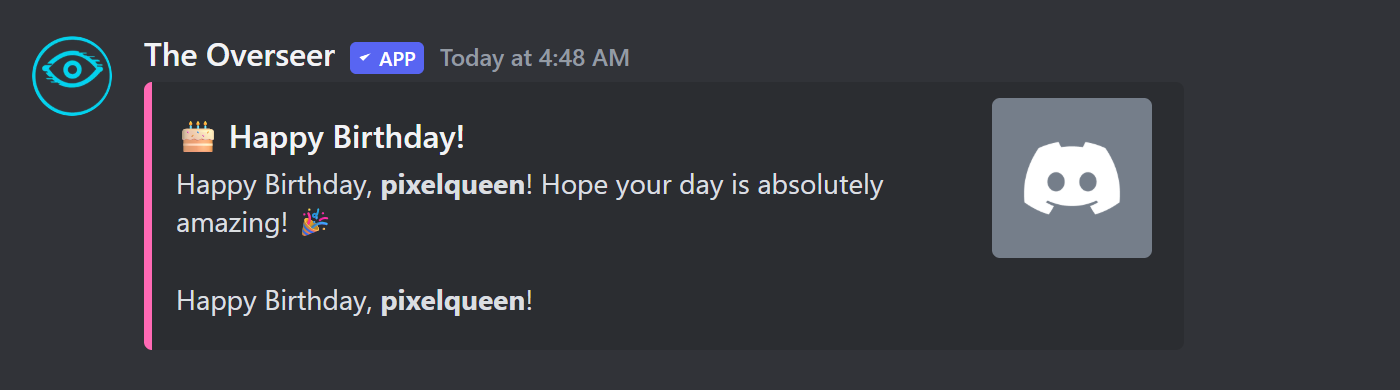
Members set their birthday once and the bot handles the rest — posting a celebration embed on their birthday and awarding bonus XP.
Member Commands
| Command | Description |
|---|---|
| /birthday set | Set your birthday. Admins can pass a user param to set someone else's. |
| /birthday view | View your birthday or another member's. |
| /birthday list | List upcoming birthdays in the server. |
| /birthday remove | Remove a birthday. |
On a member's birthday the bot posts a celebratory embed in the configured birthday channel and awards 250 XP (configurable). Make sure a birthday channel is set with /setup channels birthday_channel:#channel.
Age Verification
Post a 18+ verification button in a channel. Members click it to confirm their age and are immediately assigned the configured role — no moderation queue needed.
Setup
This posts a verification embed to the specified channel. The bot needs permission to assign the chosen role (the bot's role must be above the target role in the server hierarchy).
Admins can manually grant the role to a member without them going through the button — useful for edge cases:
Rules Gate
Require new members to react to a specific message before gaining access to the rest of the server. Pair this with a locked welcome channel to gate the entire community behind rules acceptance.