XP & Leveling
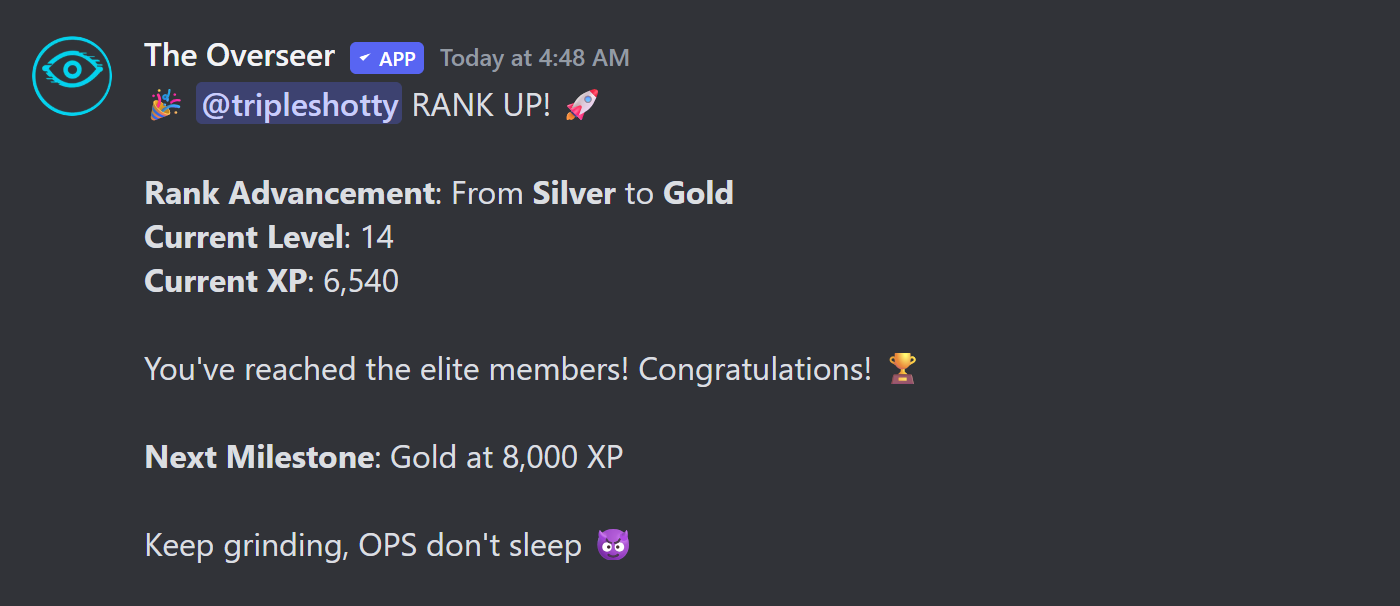
The Overseer rewards active community members with XP they earn through chat, voice channels, Twitch streams, spotlights, and trivia. As members accumulate XP they unlock higher ranks, triggering role assignments and rank-up announcements automatically.
Ranks
There are five ranks. Thresholds below are the defaults — admins can change them with /setup xp_ranks.
| Rank | XP Required |
|---|---|
| Unranked | 0 XP |
| Bronze | 250 XP |
| Silver | 4,000 XP |
| Gold | 8,000 XP |
| Diamond | 15,000 XP |

How XP is Earned
Message XP
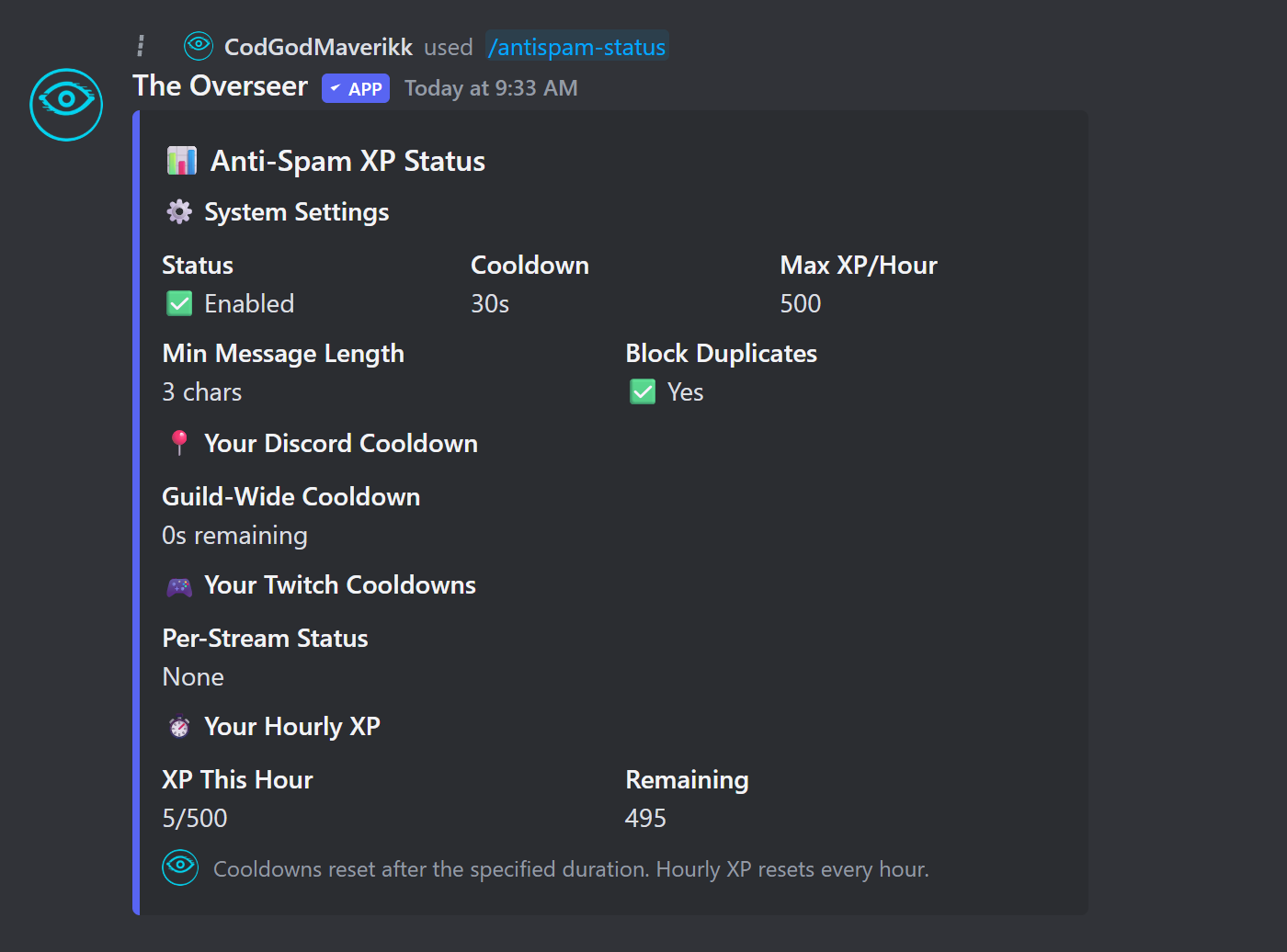
Members earn 5 XP per Discord message. A 30-second cooldown prevents farming — only one award per member per 30 seconds. The hourly cap is 500 XP from messages (configurable).
Voice Channel XP
Members earn 15 XP per minute while in a voice channel. You can require members to be unmuted and/or undeafened to qualify. A minimum number of users in the channel can also be required (useful for preventing solo farming).
Stream Chat XP
When a linked member goes live on Twitch, the bot monitors their stream chat. Other members who chat during the stream earn XP — the amount scales with the streamer's rank:
| Streamer Rank | XP per Chat Message |
|---|---|
| Bronze | 5 XP |
| Silver | 10 XP |
| Gold | 25 XP |
| Diamond | 50 XP |
Non-affiliate streamers get a 2× chat XP multiplier to encourage community support of newer streamers.
Spotlight XP
When an admin runs /spotlight for a member, attendees who participate earn 250 XP at the end. Non-affiliate streamers receive a 1.5× multiplier on spotlight XP (configurable).
Trivia XP
Members who answer the daily trivia question correctly earn 250 XP. The bot posts trivia automatically four times a day (00:00, 06:00, 12:00, 18:00 UTC by default).

XP Decay
XP decay automatically reduces the XP of inactive members over time, keeping the leaderboard fresh and rewarding consistent participation.
/setup features xp_decay:true.The default decay schedule (all values configurable via /setup decay):
| Tier | Inactive After | Decay Rate |
|---|---|---|
| Tier 1 | 7 days | 1% per cycle |
| Tier 2 | 14 days | 5% per cycle |
| Tier 3 | 30 days | 10% per cycle |
You can also use flat-rate decay instead of progressive tiers — a fixed percentage removed after a set number of days.
Anti-Spam XP
The anti-spam system prevents members from flooding messages to farm XP. When enabled, it enforces:
- Per-message cooldown (default 30 seconds)
- Maximum XP per hour (default 500)
- Minimum message length threshold
- Duplicate message blocking (same message sent twice in a row)
Admin Commands
| Command | Description |
|---|---|
| /addxp | Add XP to a member — optionally include a reason. |
| /removexp | Remove XP from a member. |
| /resetxp | Reset ALL XP and ranks for every member in the server. |
| /antispam-status | View the current anti-spam system status. |
| /antispam-reset | Reset a specific user's XP cooldown. |
| /xp | Check your own XP and current rank progress. |
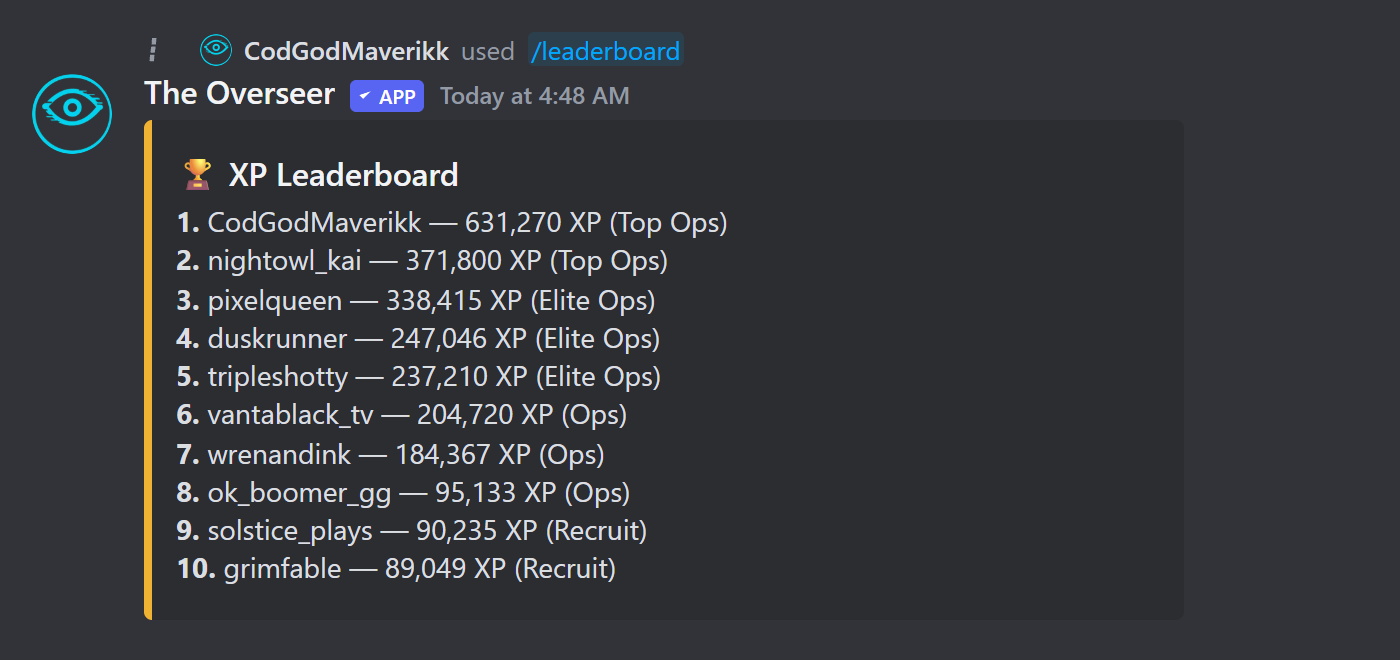
| /leaderboard | Show the top XP earners in the server. |

Configuring XP Rates
All XP amounts and thresholds are configurable without touching the dashboard — use /setup subcommands directly in Discord: