Tournaments & Chess
The Overseer ships a full tournament engine supporting five bracket formats, solo and team modes, manual and chess-based game types, and built-in scoreboard OCR for auto-reading match results.
Tournament Formats
Single Elimination
Classic bracket — one loss and you're out. Fastest format for large player pools.
Double Elimination
Two chances: winners bracket and losers bracket, with a bracket reset final. Best for competitive play.
Round Robin
Everyone plays everyone once. Standings determine the winner. Supports draws.
Swiss
Matchmaking pairs players with similar records each round. Good balance between fairness and speed.
Points League
Racing-style — multiple rounds where each lobby awards points per finishing position. Presets for Warzone, Fortnite (FNCS), and F1-style racing.
Creating a Tournament
Parameters for /tournament create:
/tournament start to lock registration and generate the bracket.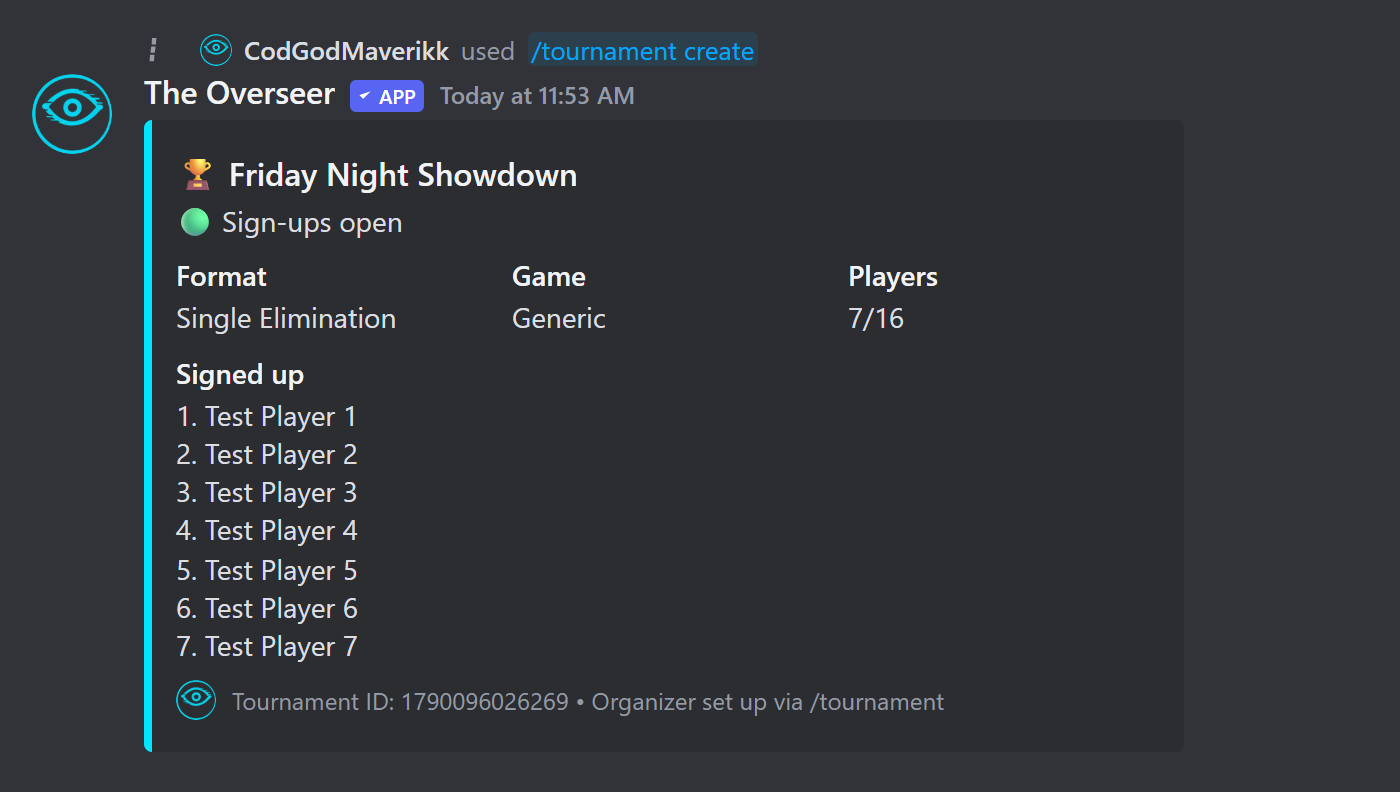
Managing a Tournament
| Command | Description |
|---|---|
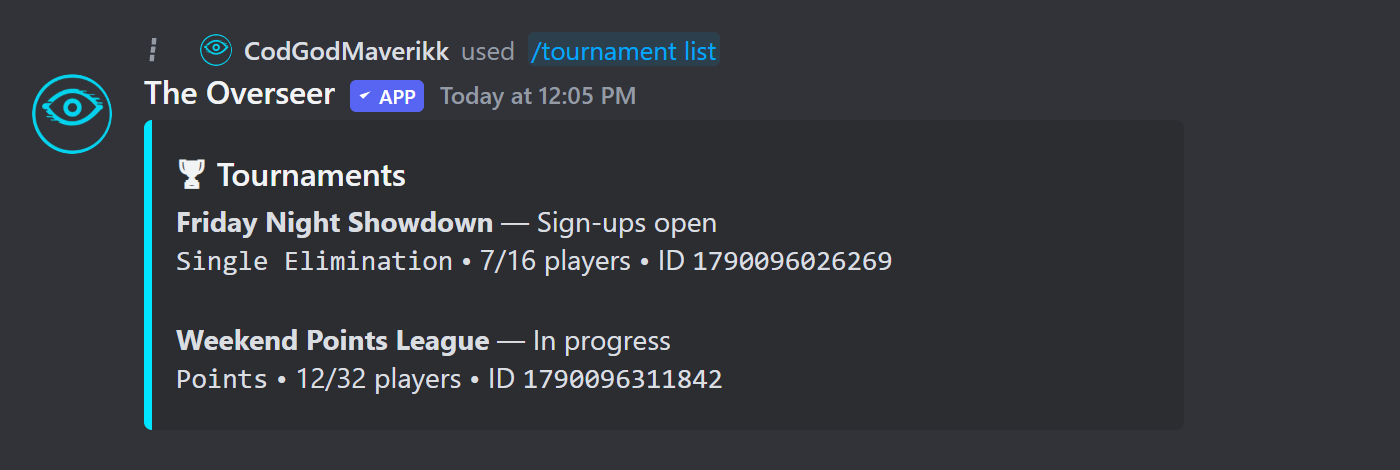
| /tournament list | List all tournaments in the server. |
| /tournament info | View bracket, standings, and details for a tournament. |
| /tournament start | Lock sign-ups and generate the bracket. |
| /tournament round | Record a lobby/race result (Points League). |
| /tournament cancel | Cancel a tournament. |
| /tournament addtest | Fill the tournament with dummy players for testing. |
Match Cards & Results
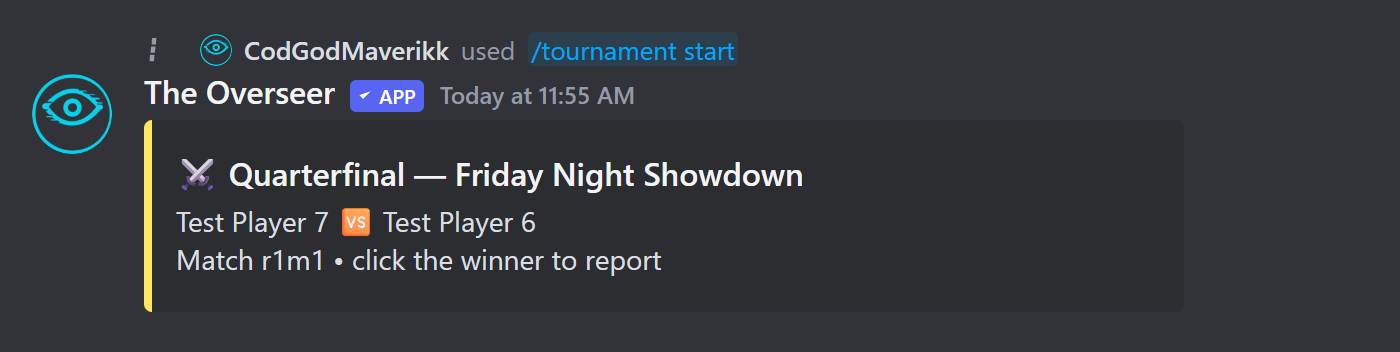
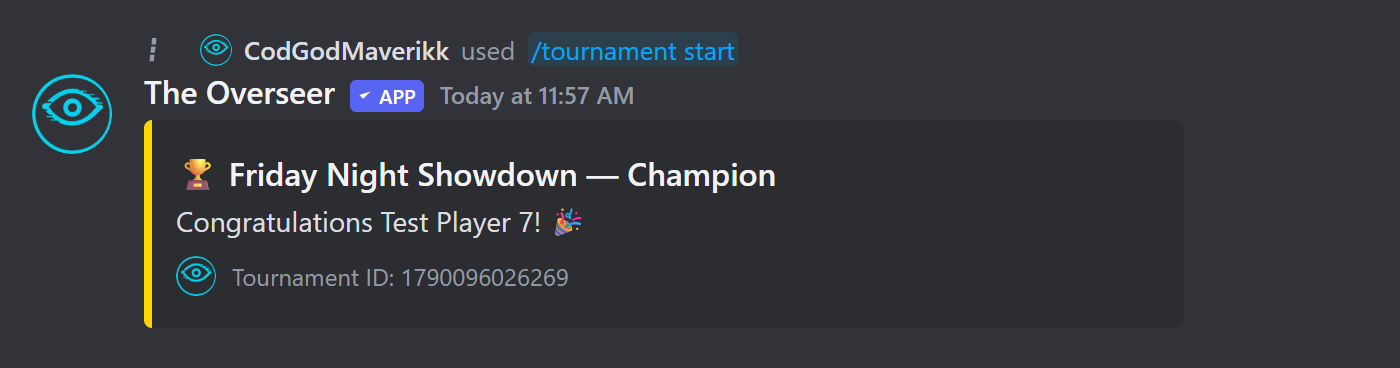
Once the bracket is generated, each match posts as its own card. Whoever won clicks the matching button to report the result and auto-advance the bracket — no manual scoring needed outside of Points League.
Points League
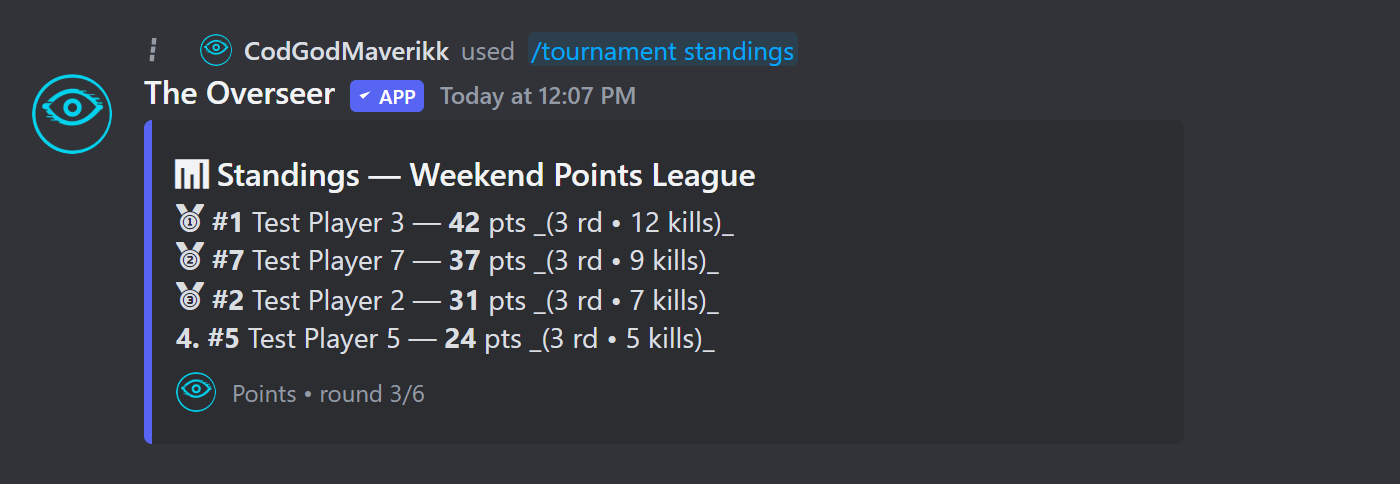
The Points League format runs multiple lobby rounds where players earn points based on finishing position. Use presets designed for popular games:
| Preset | Point Distribution |
|---|---|
| Warzone (BR) | 25 / 20 / 15 / 12 / 10 / 8 / 6 / 4 / 2 / 1 (+ kill points) |
| Fortnite (FNCS) | Custom placement table with elimination points |
| Racing (F1-style) | 25 / 18 / 15 / 12 / 10 / 8 / 6 / 4 / 2 / 1 |
Recording Round Results
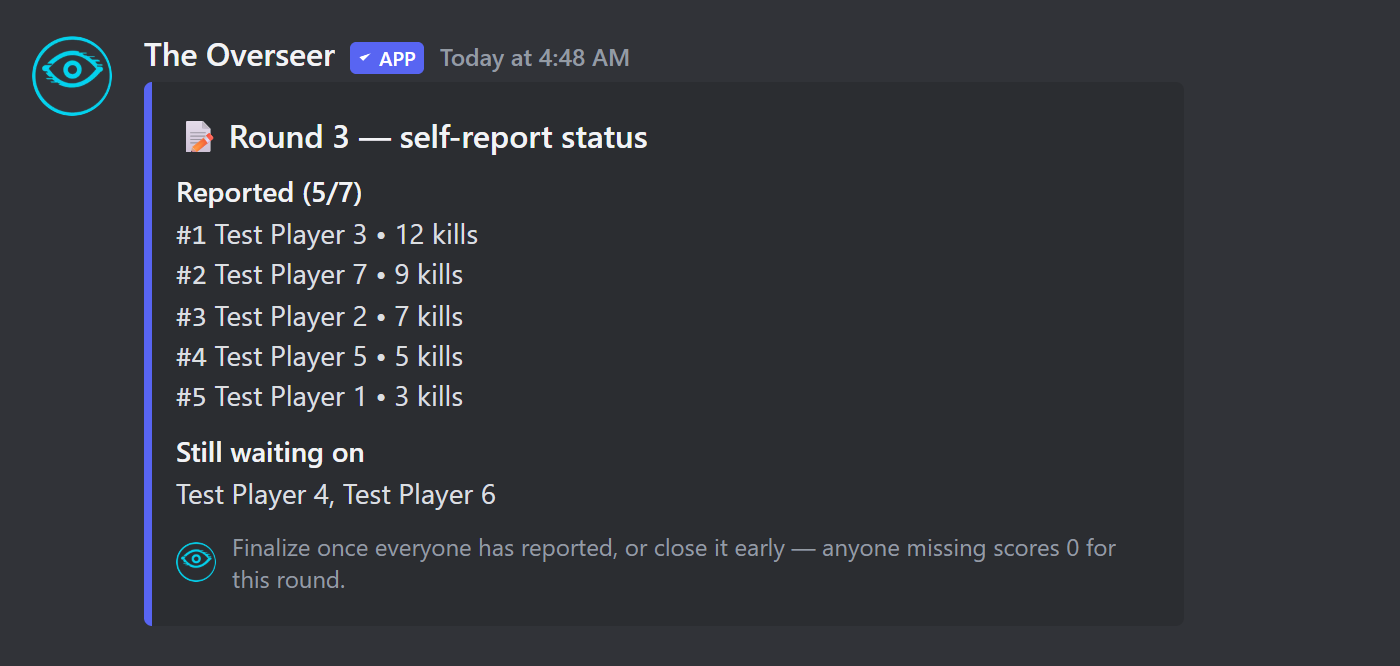
After each lobby, post results with:
Attach a screenshot of the end-of-match scoreboard — the bot reads it automatically using OCR and matches players to their Discord accounts via saved gamertags. You can also enter results manually if OCR doesn't read the image cleanly.
Gamertags
For automatic result matching in Points League, members save their in-game names so the bot can map scoreboard names to Discord users:
| Command | Description |
|---|---|
| /tournament gamertag set | Save your in-game name for a platform (Activision, Epic, Steam, etc.). |
| /tournament gamertag view | View saved gamertags for yourself or another member. |
| /tournament gamertag clear | Remove a saved gamertag for a platform. |
Team Mode
Set mode:team when creating a tournament to enable team-based play. Members form teams within the tournament:
| Command | Description |
|---|---|
| /tournament team create | Create a team and become the captain. |
| /tournament team join | Join an existing team. |
| /tournament team leave | Leave your current team. |
Chess Tournaments
Set game:chess to run a chess tournament where match results are automatically reported from in-Discord chess games — no manual result entry required.
Playing Chess
| Command | Description |
|---|---|
| /chess challenge | Challenge another member to a chess game. |
| /chess accept | Accept an incoming challenge. |
| /chess decline | Decline a challenge. |
| /chess revoke | Cancel an outgoing challenge you sent. |
| /chess move | Make a move (e.g. /chess move move:e2e4). |
| /chess board | Display the current board as an image. |
| /chess resign | Resign the current game. |