Twitch Integration
/trial to get started.The Overseer connects your Discord community directly to Twitch. When members link their accounts, the bot monitors their streams, announces go-lives in rank-specific channels, tracks who's watching, and awards XP to viewers who chat during the stream.
Linking Accounts
Each member links their own Twitch account with one command:
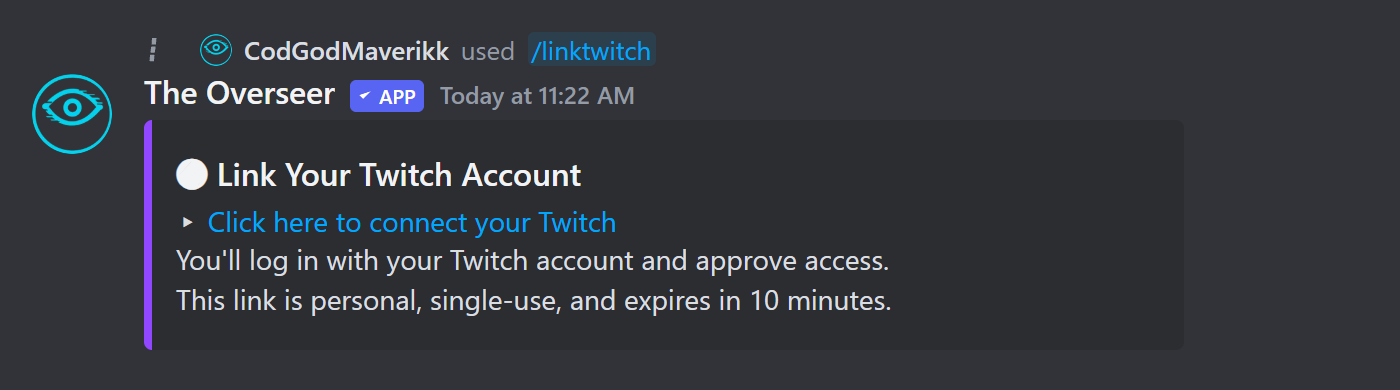
Moderators can link accounts on behalf of members who aren't currently in Discord (e.g., members who joined through Twitch first):
/linked to see all members who have linked Twitch accounts, and /listchannels to see which Twitch channels are currently being tracked.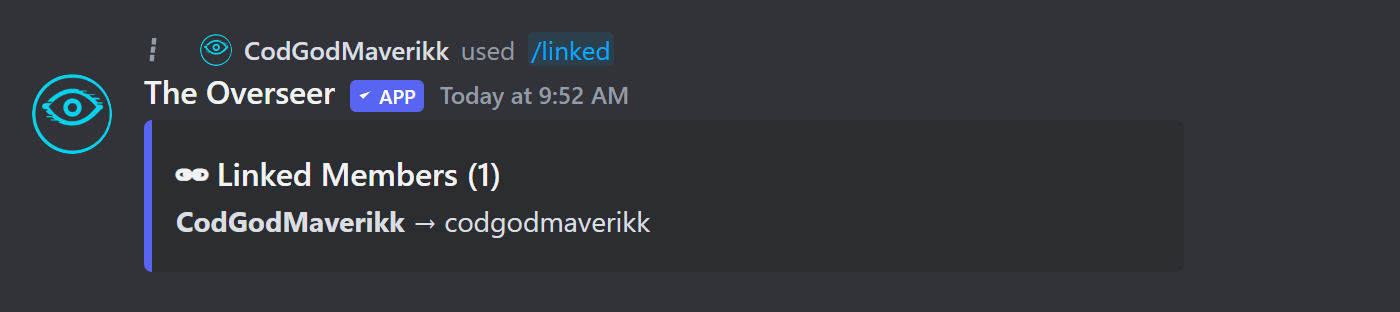
Aliases (Alt Accounts)
Members who stream on multiple Twitch accounts can link additional channels as aliases. Stream-chat XP and attendance tracking applies regardless of which channel is live.
Go-Live Announcements
When a linked member goes live, the bot posts an announcement in the channel matching their Discord rank. Set up rank-specific channels in your config:
| Rank | Channel Config Key |
|---|---|
| Diamond | diamond_live_channel |
| Gold | gold_live_channel |
| Silver | silver_live_channel |
| Bronze | bronze_live_channel |
| Non-affiliate / Unranked | live_announcements_channel |
Configure channels via /setup channels or through the dashboard. You can set all five to the same channel if you prefer a single announcement feed.
The announcement itself is a plain pinged message (not an embed), with the emoji and ping target varying by rank and affiliate status:


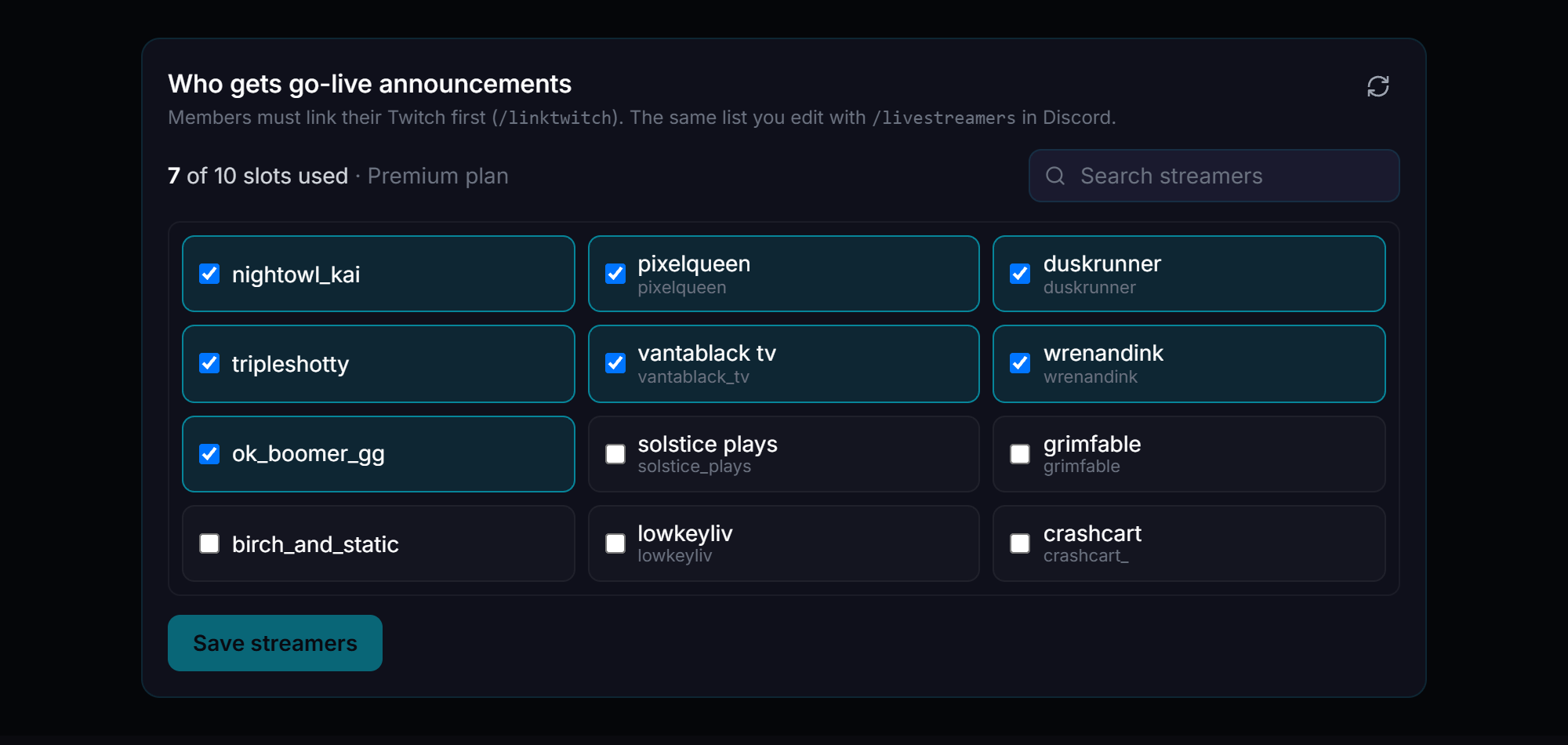
On the dashboard, the same page also lets you pick exactly which linked members are eligible for go-live announcements at all:
Stream Chat XP
While a member is live, the bot joins their Twitch chat and monitors messages. Members in your Discord who are chatting in the stream earn XP scaled by the streamer's rank:
| Streamer Rank | XP per Chat Message |
|---|---|
| Bronze | 5 XP |
| Silver | 10 XP |
| Gold | 25 XP |
| Diamond | 50 XP |
Stream Recaps
When a tracked stream ends, the bot posts a real recap embed to your configured stream recap channel, pinging the streamer directly. Each recap includes:
- Stream uptime and peak / average viewer counts
- Every Discord member who chatted — with message count, any bits/subs they gave, and XP earned
- Lurkers who were present but didn't chat (still earn XP)
- A Cheers & Subs field for members who cheered bits or subbed but didn't chat
- A Raided By field crediting anyone who raided in with viewers
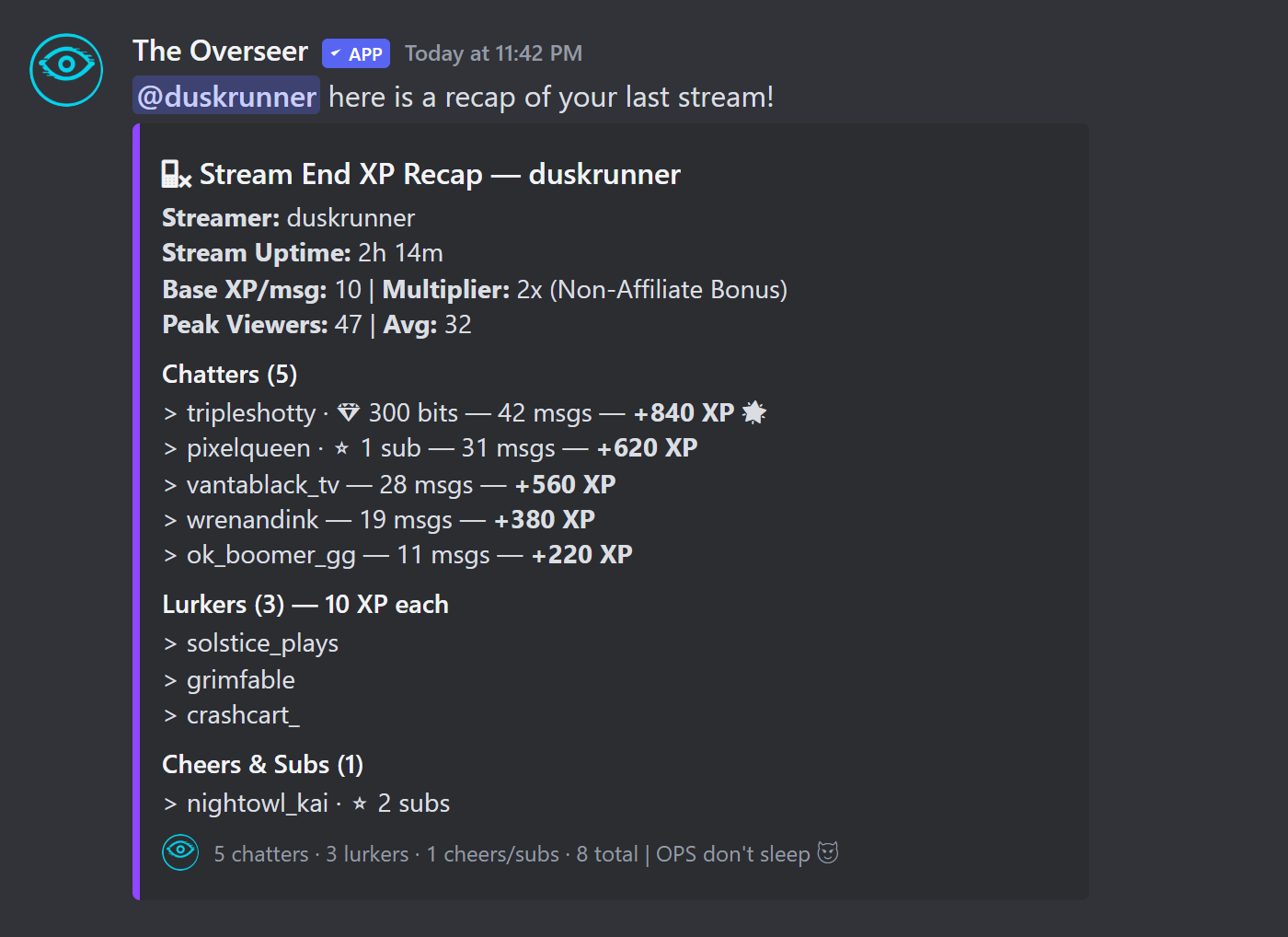
Bits and subs only appear next to a name when applicable — no empty placeholder is shown if the member didn't cheer or sub.
Enable recaps in the dashboard under Twitch → Twitch Tracking → Stream end recap, and set the target channel under Channels → Stream Recaps.
Subscriber & Bits XP
You can reward members with XP for supporting the streamer financially. Both are optional and off by default — enable them in the dashboard under Twitch → Supporter XP.
| Setting | Default | Description |
|---|---|---|
| Sub XP (toggle) | Off | Award XP when a member subscribes or re-subs during a tracked stream |
| XP per subscription | 500 XP | XP awarded per sub / resub at stream end |
| Bits XP (toggle) | Off | Award XP when a member cheers bits during a tracked stream |
| XP per 100 bits | 10 XP | XP awarded per 100 bits cheered (e.g. 500 bits = 50 XP at default) |
Subscriber Role
You can automatically assign a Discord role to members who subscribe to a streamer's Twitch channel. This requires the streamer to connect their Twitch account with OAuth so the bot can verify subscriber status.
- 1
Configure the sub role
Set which Discord role gets assigned to subscribers:/setup subrole role:@SubscriberRole - 2
Connect the streamer's Twitch
The server owner or streamer runs/connectsubsand completes the Twitch OAuth flow to grant subscriber-list access.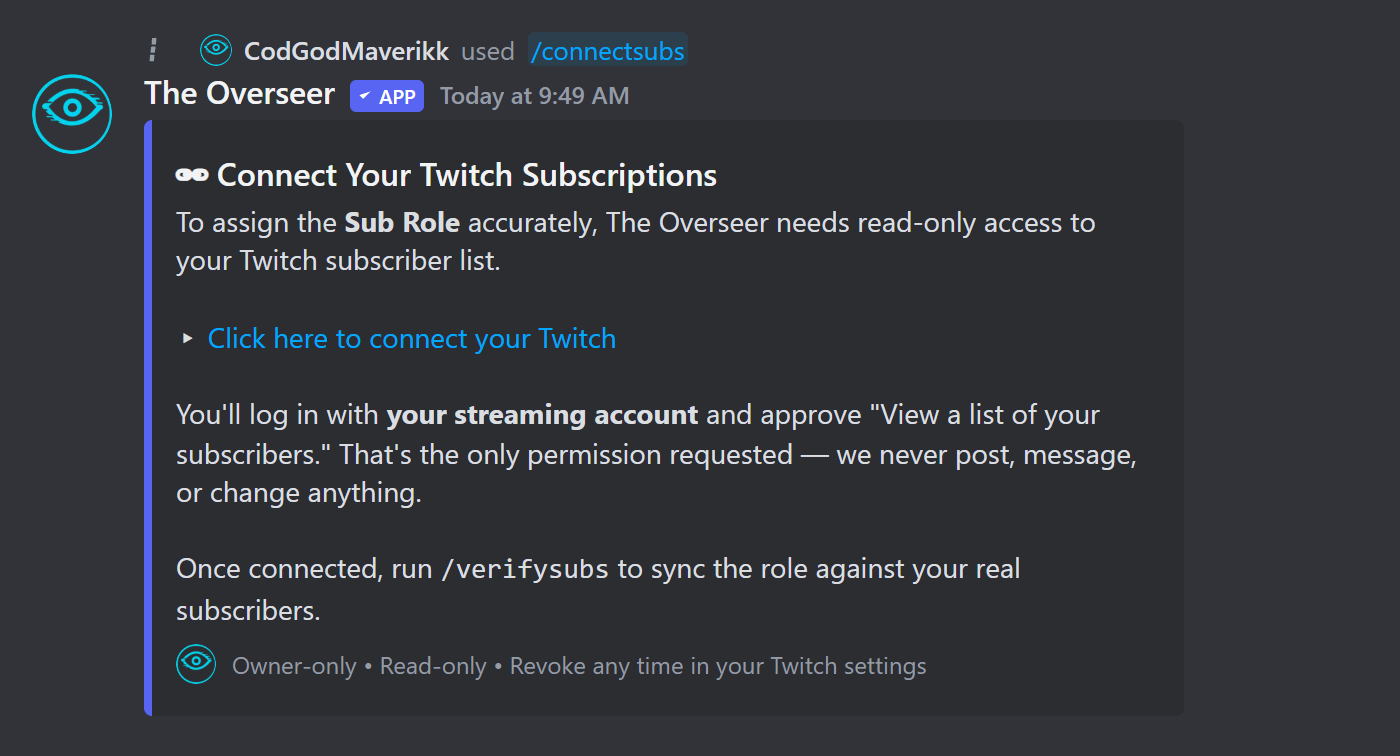 /connectsubs — read-only access to your subscriber list only. Nothing is ever posted or changed.
 - 3
Sync subscriber roles
Run/verifysubsto do an immediate sync. The bot also checks automatically when members link their Twitch accounts.
Spotlight
A spotlight is a focused promotion event where admins highlight one streamer at a time. The bot generates an AI hype message, posts the stream link to your spotlight channel, monitors who attends, and awards XP at the end.
Configure spotlight duration, message interval, and XP multipliers via /setup spotlight.
Commands Reference
| Command | Description |
|---|---|
| /linktwitch | Link your Discord account to your Twitch username. |
| /addalias | Add a Twitch alt/alias to your main linked account. |
| /linked | Show all Discord members with linked Twitch accounts. |
| /listchannels | List all Twitch channels currently being tracked. |
| /manuallink | Manually link a Discord user to a Twitch account. |
| /unlink | Unlink a Discord user from their Twitch account. |
| /spotlight | Start a spotlight for a member. |
| /stopspotlight | End the current spotlight early. |
| /connectsubs | Connect streamer's Twitch for subscriber verification. |
| /verifysubs | Sync subscriber roles against current Twitch subscribers. |